
Oct 2, 2025
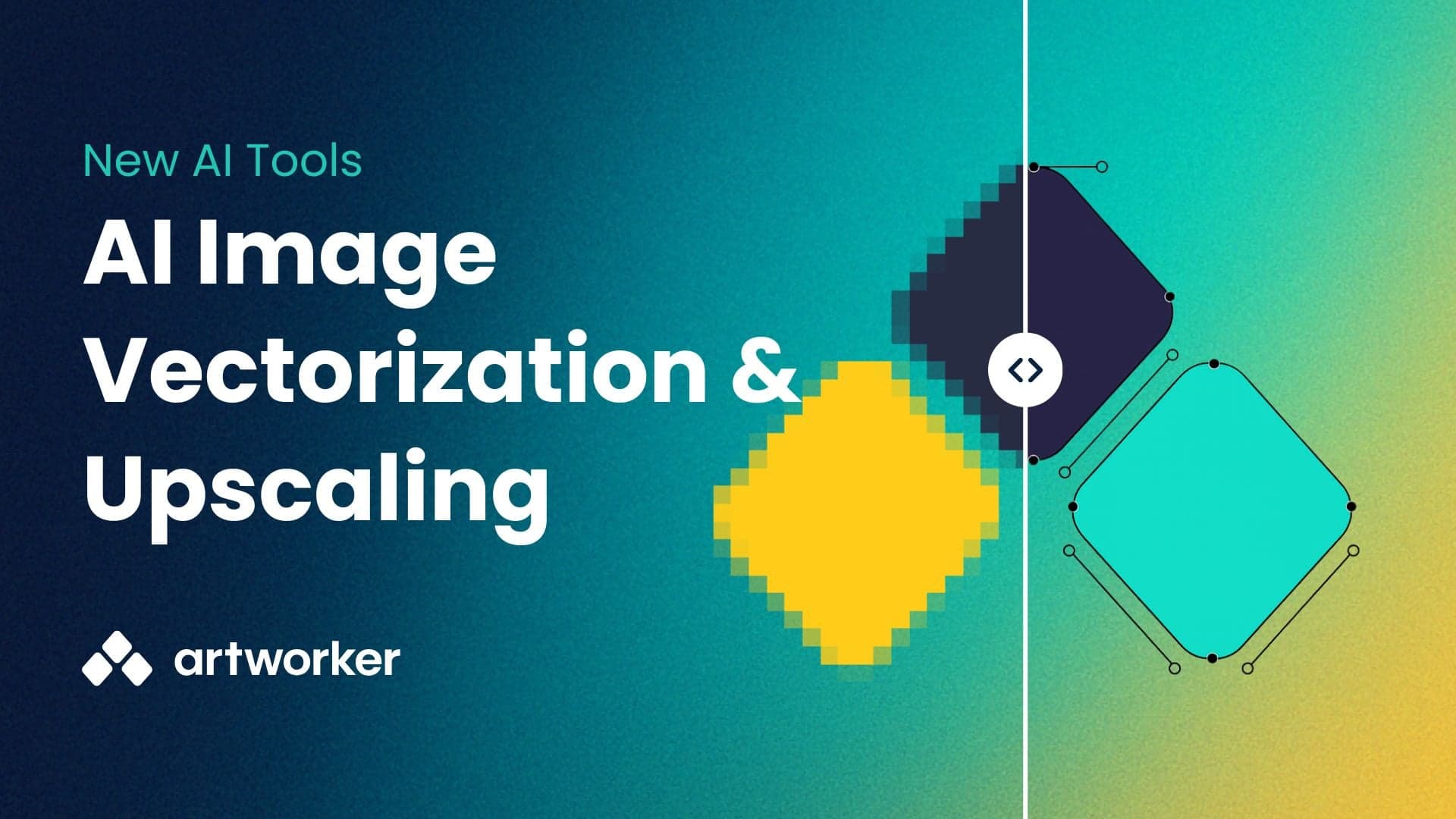
You now have two new tools to make customer artwork look better in print.
Best for: Logos, simple graphics, artwork with solid colours.
Why use it: Creates crisp, scalable vector files (SVG, EPS, PDF) that print perfectly on t-shirts, banners, and signage.
Not ideal for: Photos, gradients, very low-res images, or small/fine text.
Best for: Photos, detailed designs, or artwork that can’t be vectorised.
Why use it: Increase resolution by 2× or 4×, sharpen edges, and reduce noise so images look better at larger sizes.
Not ideal for: Extremely blurry or tiny originals — upscaling improves sharpness, but can’t add detail that isn’t there.
From the Files page
With Quick actions
On any file attached to a job
To help you choose the right tool:
Logos and simple art → Vectorise
Photos and detailed art → Upscale