
Mar 18, 2026
We’ve introduced Custom guides to give you more control when reviewing artwork and proofs.
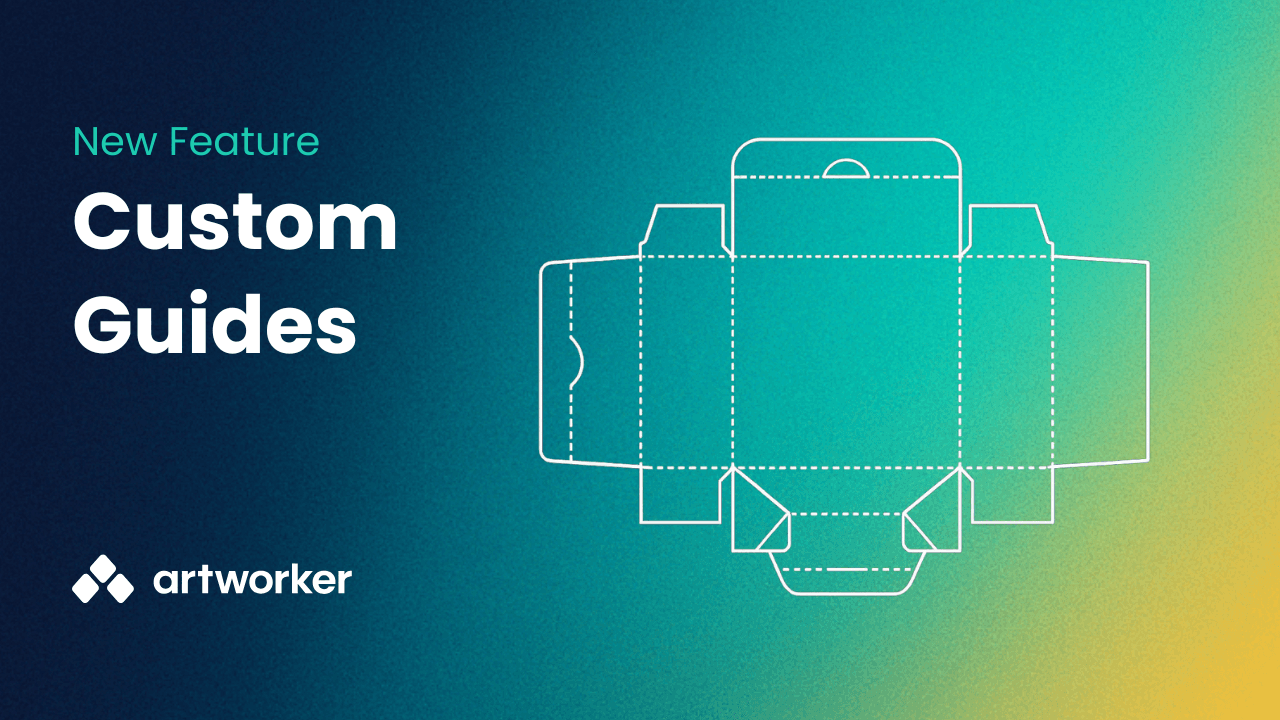
Custom guides let you overlay reusable SVG templates directly on artwork. This makes it easier to check alignment against folds, cut paths, dielines, and other production requirements that standard trim and bleed guides cannot cover.
What you can do
Overlay templates such as dielines, folds, and cut paths during review
Reuse guides across multiple jobs
Apply guides to proofs so customers see the same layout references
Organise guides into groups for different product types
When to use custom guides
Use them for complex layouts like packaging, folded documents, die-cut shapes, or anything with finishing constraints.
For simple straight edge items like flyers or posters, standard trim, bleed, and safe area guides are still recommended.
How to get started
Enable Custom guides in Settings
Create a guide group
Upload an SVG guide
Select the guide in the viewer or when sending proofs
For full setup steps and examples, see the help docs.
This update helps ensure artwork matches production requirements more accurately and reduces back-and-forth during approval.
If you need help setting up your first guide, let us know.
Nov 28, 2025
You can now share files straight from the Files area. This makes it easier to send work to clients without leaving Artworker, and it is completely free.
What you can do
Create a share link or send an email to a contact.
Add a password, set an expiry date, and leave a short note.
Track views, link clicks, email opens, and downloads.
Give clients a tidy branded download page with your logo and contact details.
Why it helps
This keeps your file sharing organised and consistent. You stay in control of access, you know exactly what has been opened or downloaded, and your clients get a clear branded experience.
Full guide: https://help.artworker.com/en/articles/27-sharing-files-from-artworker
Oct 8, 2025
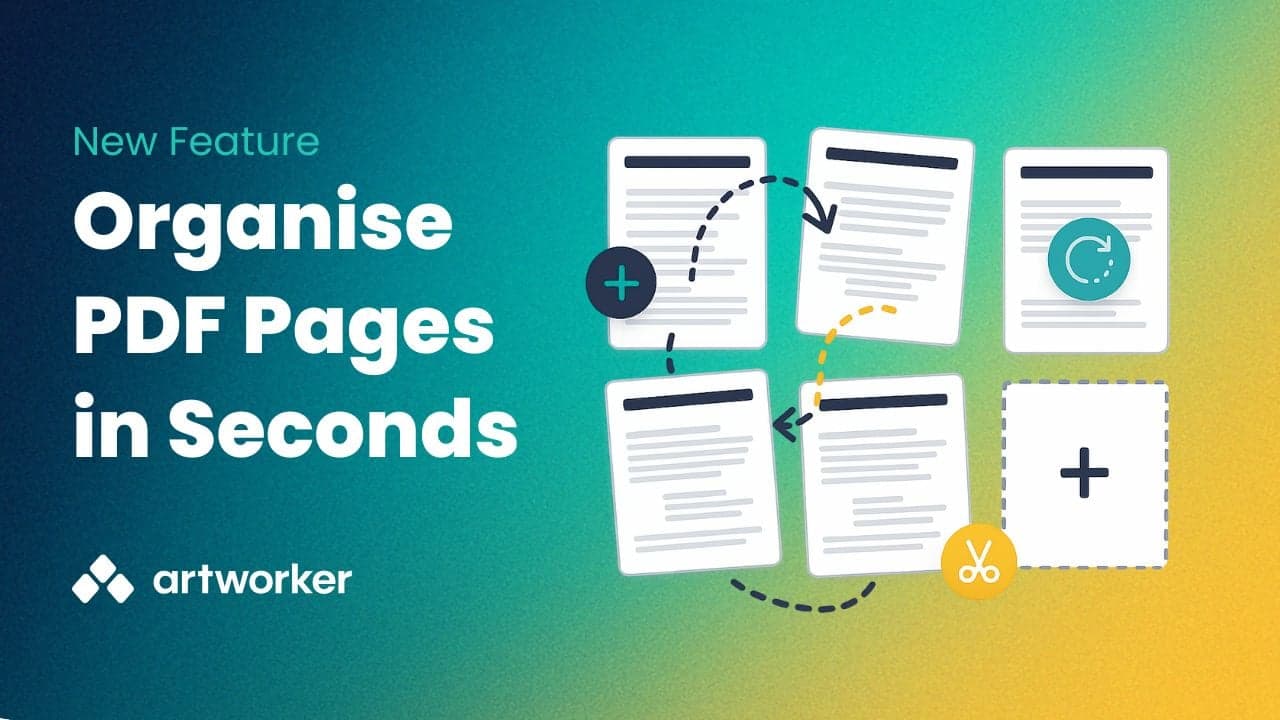
We’ve added a new feature to make file corrections faster and simpler. You can now organise pages in a PDF directly within Artworker - no need to download, edit, and re-upload.
With this update, you can:
Reorder pages
Delete unwanted pages
Add blank pages
Rotate pages for correct orientation
This makes it easier to fix client files and keep jobs moving without leaving Artworker.
Log in to your account to try it now and keep your workflow efficient from upload to print.
Oct 2, 2025
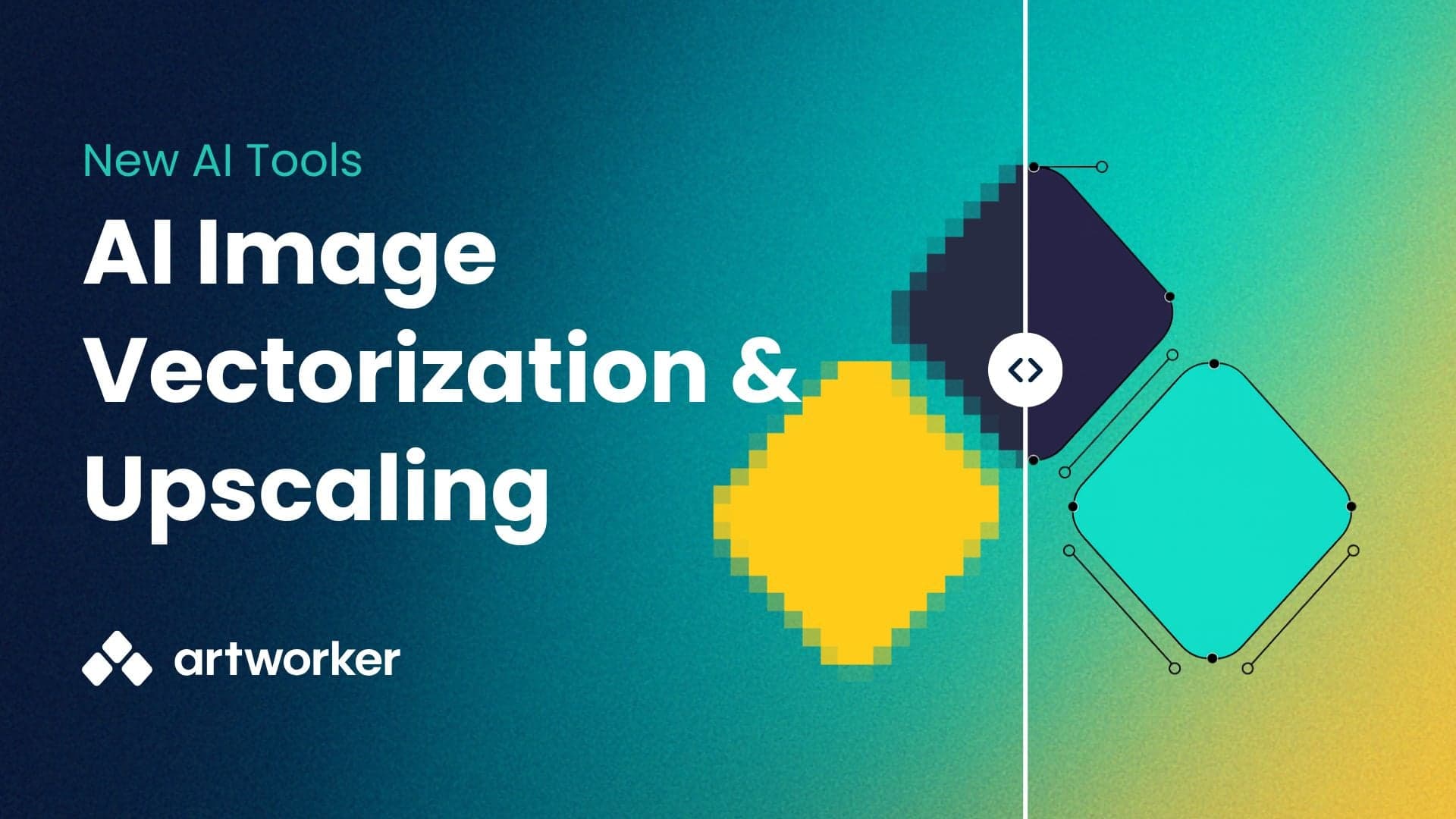
You now have two new tools to make customer artwork look better in print.
Best for: Logos, simple graphics, artwork with solid colours.
Why use it: Creates crisp, scalable vector files (SVG, EPS, PDF) that print perfectly on t-shirts, banners, and signage.
Not ideal for: Photos, gradients, very low-res images, or small/fine text.
Best for: Photos, detailed designs, or artwork that can’t be vectorised.
Why use it: Increase resolution by 2× or 4×, sharpen edges, and reduce noise so images look better at larger sizes.
Not ideal for: Extremely blurry or tiny originals — upscaling improves sharpness, but can’t add detail that isn’t there.
From the Files page
With Quick actions
On any file attached to a job
To help you choose the right tool:
Logos and simple art → Vectorise
Photos and detailed art → Upscale
Jul 20, 2025
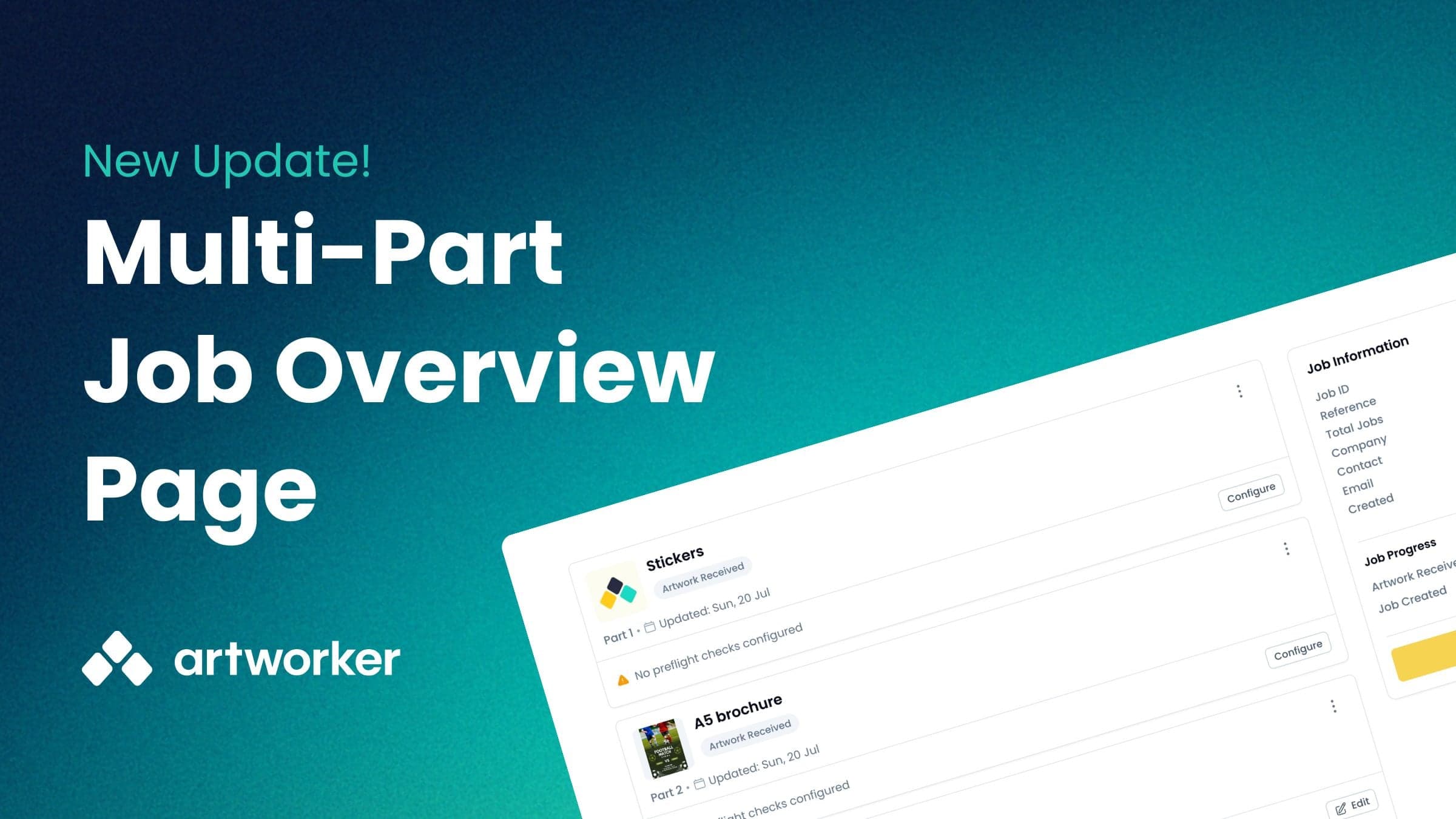
You asked for a place where you could view and manage all job-specific items at once, rather than searching for them in the dashboard.
We're delighted to announce that the Job Overview page is now live, and will appear whenever you create a job that contains multiple items.
Jul 3, 2025
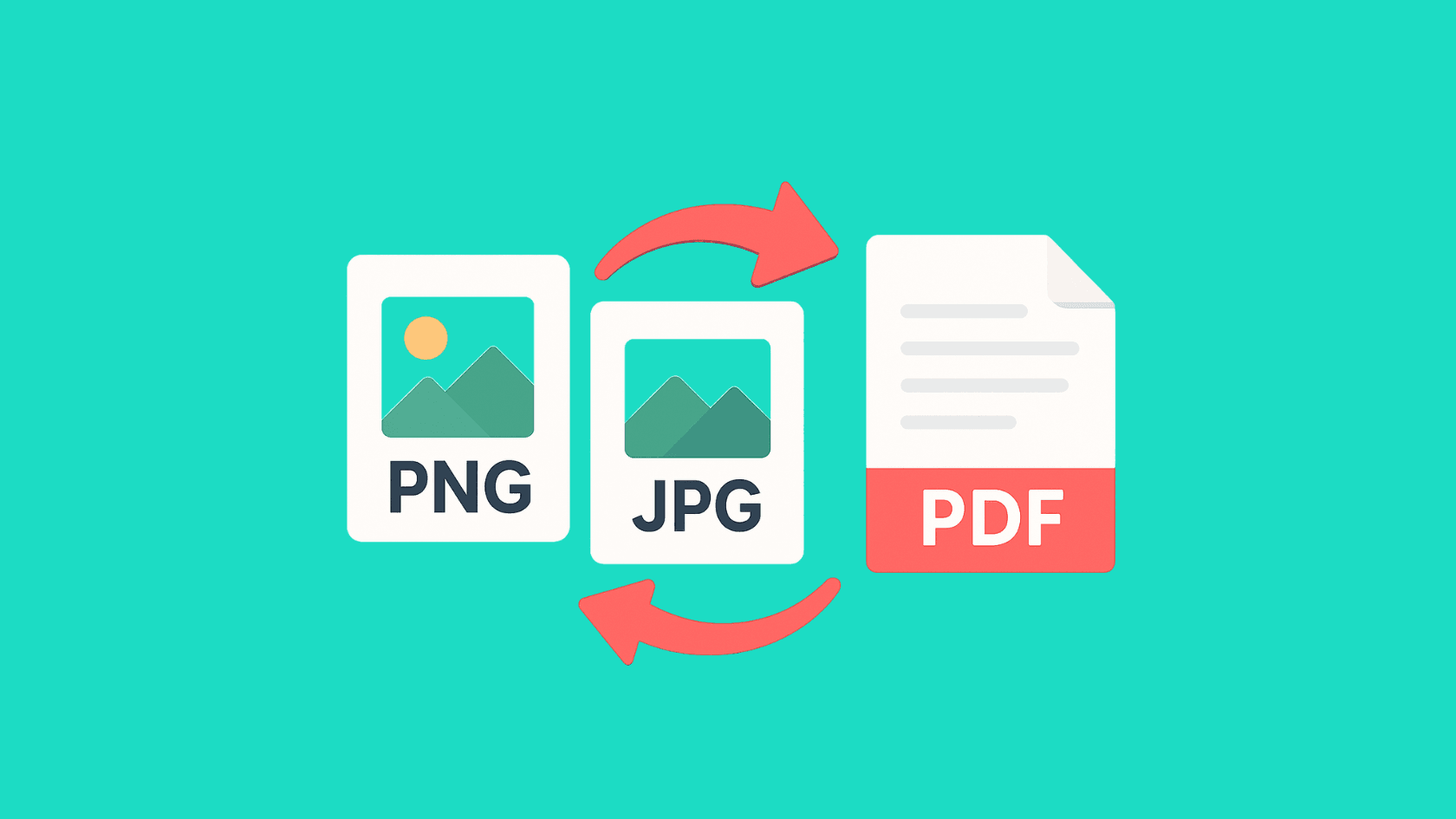
You can now convert JPEGs, PNGs and other raster files to PDFs directly within Artworker — making it easy to run preflight checks and fix-ups without leaving the platform.
You can find out how to access this here: https://help.artworker.com/en/articles/20-how-to-convert-a-jpeg-png-or-other-raster-file-to-pdf
Jun 17, 2025
Exciting news, our Print Logic integration is now live!
This allows you to automatically create jobs in Artworker when an order is created in Print Logic
 Get started here: https://app.artworker.io/integrations
Need help? Just give us a shout!
May 1, 2025
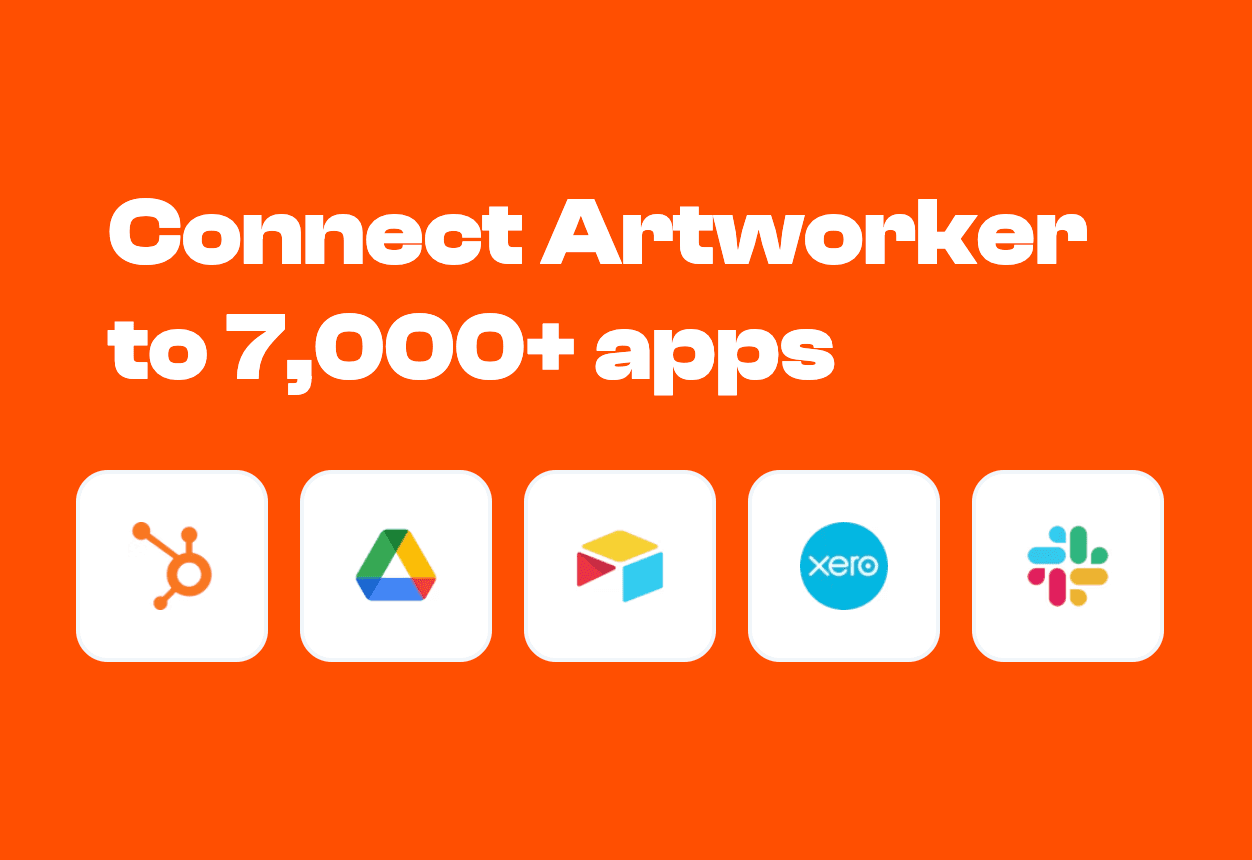
𝐘𝐨𝐮 𝐜𝐚𝐧 𝐧𝐨𝐰 𝐜𝐨𝐧𝐧𝐞𝐜𝐭 𝐀𝐫𝐭𝐰𝐨𝐫𝐤𝐞𝐫 𝐭𝐨 𝟕,𝟎𝟎𝟎+ 𝐩𝐨𝐩𝐮𝐥𝐚𝐫 𝐚𝐩𝐩𝐬 𝐮𝐬𝐢𝐧𝐠 𝐨𝐮𝐫 𝐛𝐫𝐚𝐧𝐝-𝐧𝐞𝐰 𝐙𝐚𝐩𝐢𝐞𝐫 𝐢𝐧𝐭𝐞𝐠𝐫𝐚𝐭𝐢𝐨𝐧. (Beta)
👉🏻 Free up hours each week by letting Artworker + Zapier handle repetitive tasks for you.
👉🏻Reduce errors and ensure clean, consistent data across every system.
👉🏻 Keep all your tools perfectly in sync—from upload to approval—so nothing ever falls through the cracks.
𝐒𝐨 𝐰𝐡𝐚𝐭 𝐜𝐚𝐧 𝐲𝐨𝐮 𝐝𝐨? Route approved artwork to a local Google Drive folder
 Send Slack alerts whenever a job updates in Artworker
 Auto-create jobs in Artworker from new Shopify orders
 Whatever you can imagine
Check out our Zapier app: zapier.com/apps/artworker/integrations
Apr 28, 2025
We’ve just rolled out a new support chat inside Artworker. This is your one-stop spot for help, feedback and all the latest updates.
Here’s what you can do right from the app:
Get instant AI-powered answers for common questions (and if the bot ever draws a blank, a real human is standing by).
Report bugs with built-in screen recording, so you can show us exactly what’s going wrong and we can fix it faster.
Browse our public product roadmap to see what we’re working on now, what just went live, and what’s coming next.
Suggest and vote on ideas to shape Artworker’s future - your feedback drives our development.
Explore our help centre, We’re going to fill this with articles and tutorials to help you get the most out of the app.
Stay up to date with an in-app feed of all our latest releases and improvements.
Jump in and say hello! We’re here to make your prepress and artwork workflows smoother - one message at a time.
Apr 24, 2025
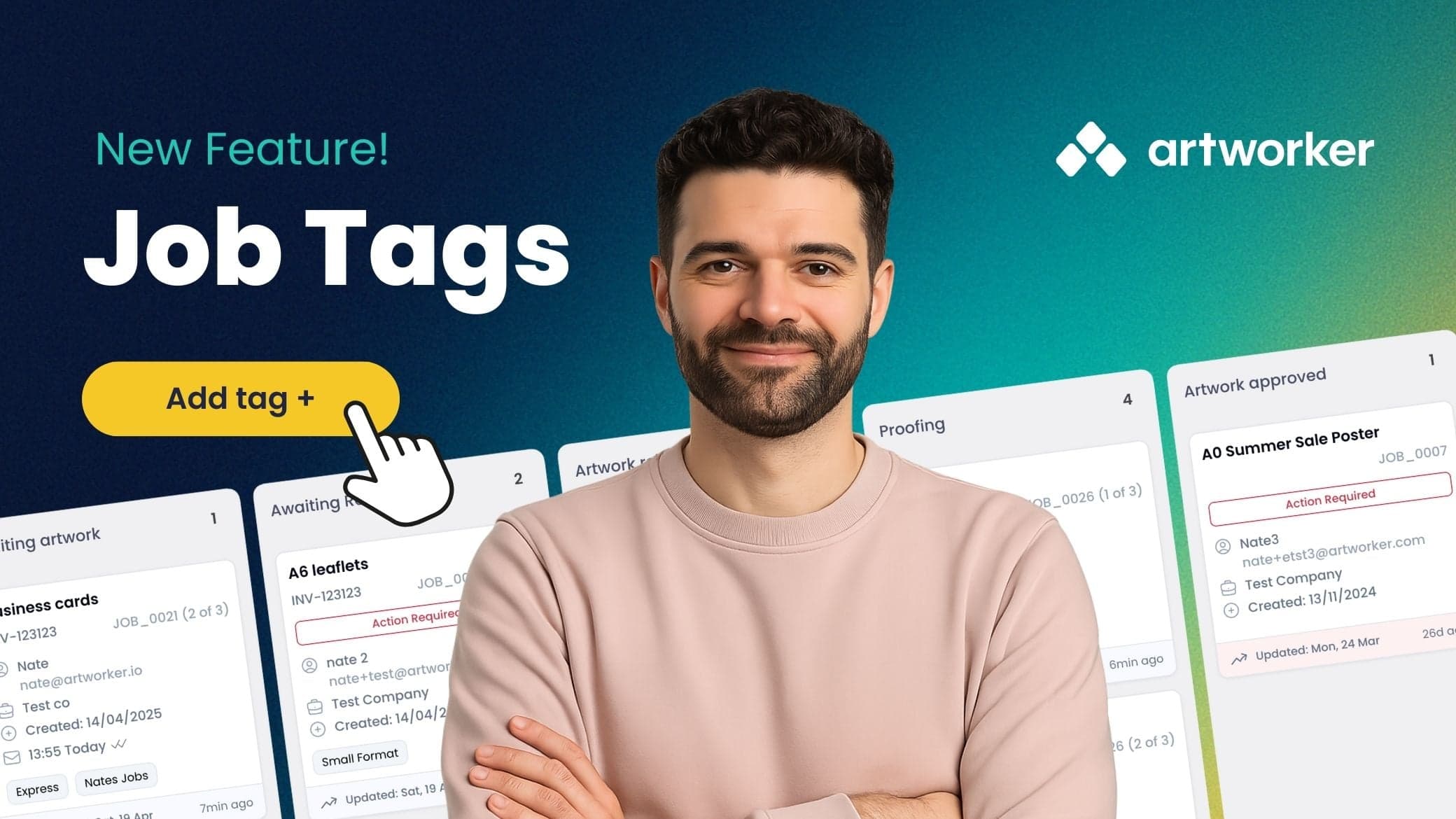
Organising and managing jobs just got a whole lot easier.
With Job Tagging, you can focus on the most relevant work, whether it’s tied to a particular priority, department, or product type.
Add any tag to any job, then filter the job board to see exactly what you need, when you need it.
Simple, flexible, and built to streamline your workflow.