Changelogs
Stay up to date with the latest changes and enhancements.
Stay up to date with the latest changes and enhancements.

18. Mar 2026
Share
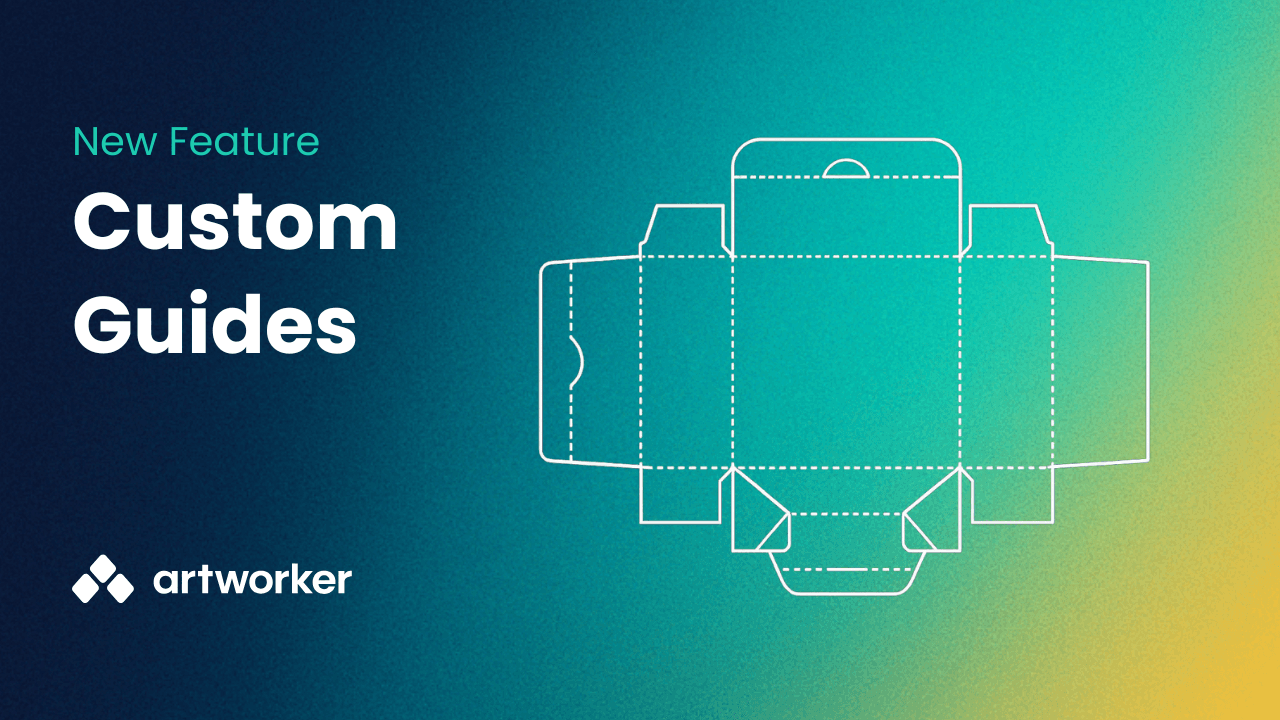
We’ve introduced Custom guides to give you more control when reviewing artwork and proofs.
Custom guides let you overlay reusable SVG templates directly on artwork. This makes it easier to check alignment against folds, cut paths, dielines, and other production requirements that standard trim and bleed guides cannot cover.
What you can do
Overlay templates such as dielines, folds, and cut paths during review
Reuse guides across multiple jobs
Apply guides to proofs so customers see the same layout references
Organise guides into groups for different product types
When to use custom guides
Use them for complex layouts like packaging, folded documents, die-cut shapes, or anything with finishing constraints.
For simple straight edge items like flyers or posters, standard trim, bleed, and safe area guides are still recommended.
How to get started
Enable Custom guides in Settings
Create a guide group
Upload an SVG guide
Select the guide in the viewer or when sending proofs
For full setup steps and examples, see the help docs.
This update helps ensure artwork matches production requirements more accurately and reduces back-and-forth during approval.
If you need help setting up your first guide, let us know.