Changelogs
Stay up to date with the latest changes and enhancements.
Stay up to date with the latest changes and enhancements.

02. Oct 2025
Share
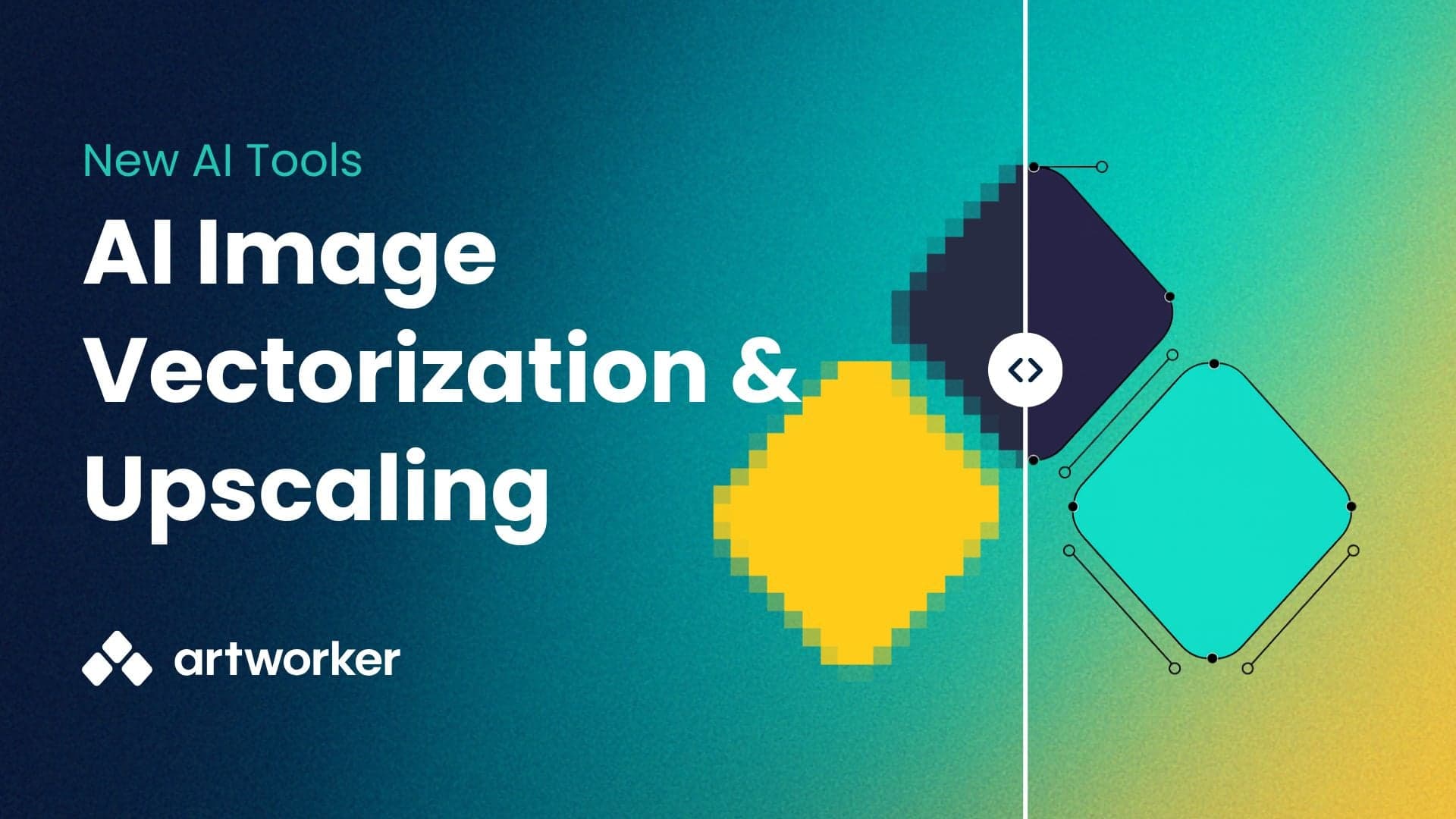
You now have two new tools to make customer artwork look better in print.
Best for: Logos, simple graphics, artwork with solid colours.
Why use it: Creates crisp, scalable vector files (SVG, EPS, PDF) that print perfectly on t-shirts, banners, and signage.
Not ideal for: Photos, gradients, very low-res images, or small/fine text.
Best for: Photos, detailed designs, or artwork that can’t be vectorised.
Why use it: Increase resolution by 2× or 4×, sharpen edges, and reduce noise so images look better at larger sizes.
Not ideal for: Extremely blurry or tiny originals — upscaling improves sharpness, but can’t add detail that isn’t there.
From the Files page
With Quick actions
On any file attached to a job
To help you choose the right tool:
Logos and simple art → Vectorise
Photos and detailed art → Upscale