Changelogs
Stay up to date with the latest changes and enhancements.
Stay up to date with the latest changes and enhancements.

12. Apr 2025
Share
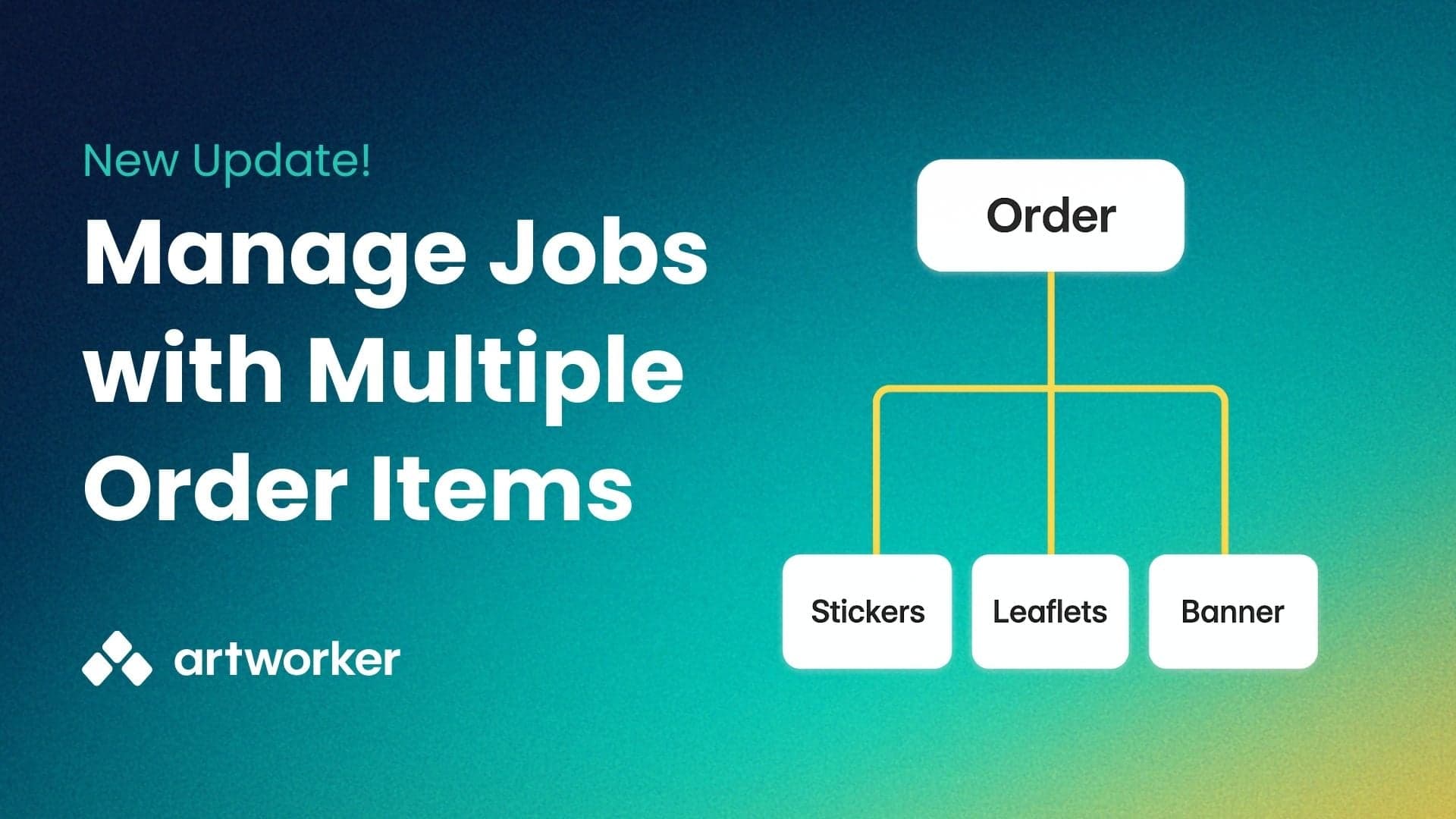
Previously, each product in a customer order required its own job in Artworker. That meant extra data entry, separate status views and more chance of mistakes.
Multi-Item Jobs now allows you to:
Group products: Add flyers, labels, mugs or any items into a single job
Track progress: Apply a job ID or order reference filter to track the progress of all items on the jobs board.
Simplify integrations: Reflect multi-part order structures from your MIS, web-to-print or other tools
Click New Job in Artworker.
Use Add Item to enter each product’s name.
Submit once - Artworker assigns a single job number for all items.
Monitor each item’s progress on the jobs board.
Fewer clicks: One form instead of many
Clear overview: All item statuses in one place
Better data sync: Aligns with your existing order structures